qrisp.quantum_backtracking.QuantumBacktrackingTree.visualize_statevector#
- QuantumBacktrackingTree.visualize_statevector(pos=None, ax=None)[source]#
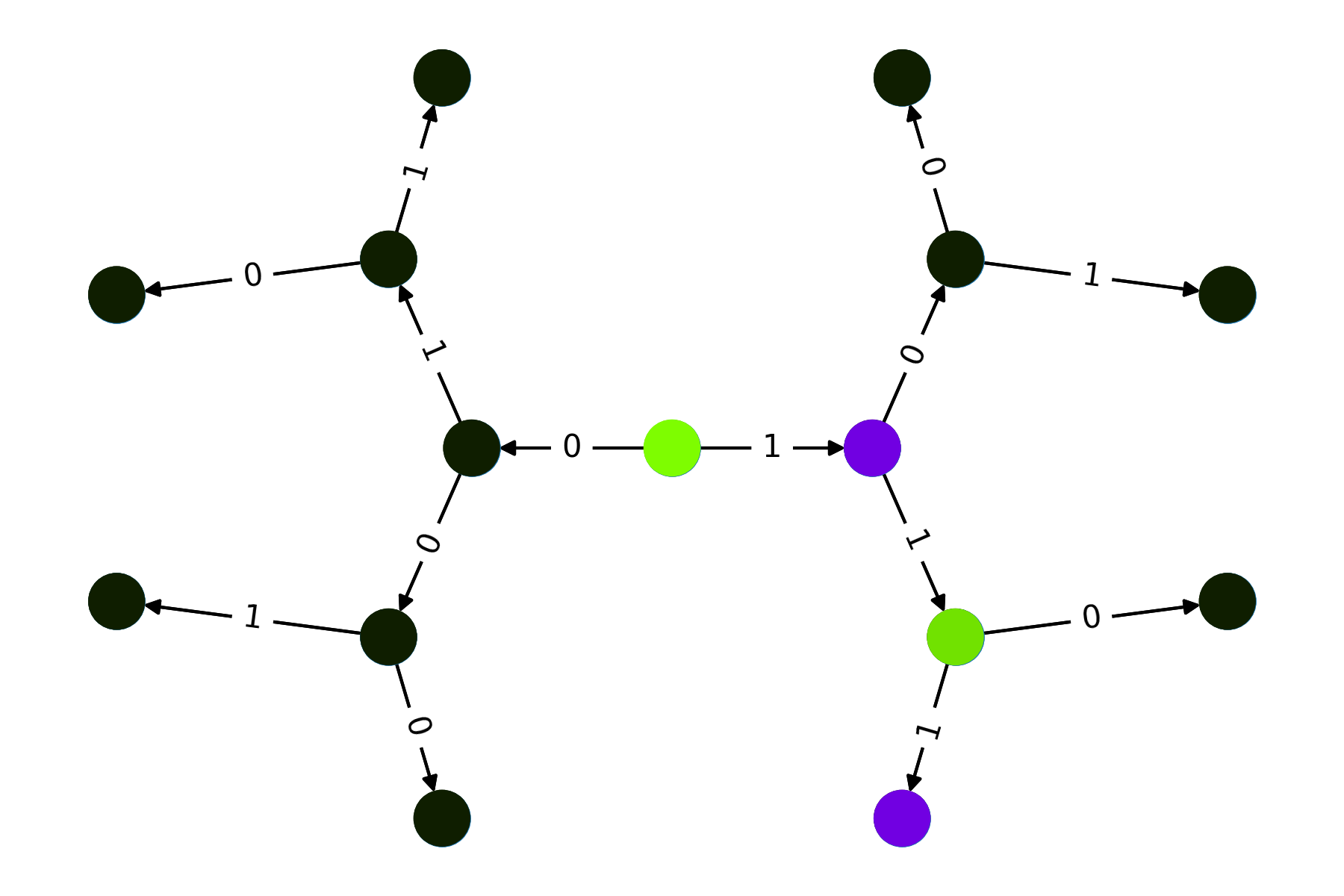
Visualizes the statevector graph.
- Parameters:
- posdict, optional
A dictionary indicating the positional layout of the nodes. For more information visit this page By default is suitable will be generated.
- axmatplotlib.axes.Axes, optional
The axes object to draw the plot onto. If None, the current active axes is used. This is useful for creating grids of plots using plt.subplots.
Examples
We initialize a backtracking tree and visualize:
from qrisp import auto_uncompute, QuantumBool, QuantumFloat
from qrisp.quantum_backtracking import QuantumBacktrackingTree
import matplotlib.pyplot as plt

@auto_uncompute
def reject(tree):
    return QuantumBool()

@auto_uncompute
def accept(tree):
    return (tree.branch_qa[0] == 1) & (tree.branch_qa[1] == 1) & (tree.branch_qa[2] == 1)
>>> tree = QuantumBacktrackingTree(3, QuantumFloat(1, name = "branch_qf*"), accept, reject)
>>> tree.init_node([])
>>> tree.visualize_statevector()
>>> plt.show()
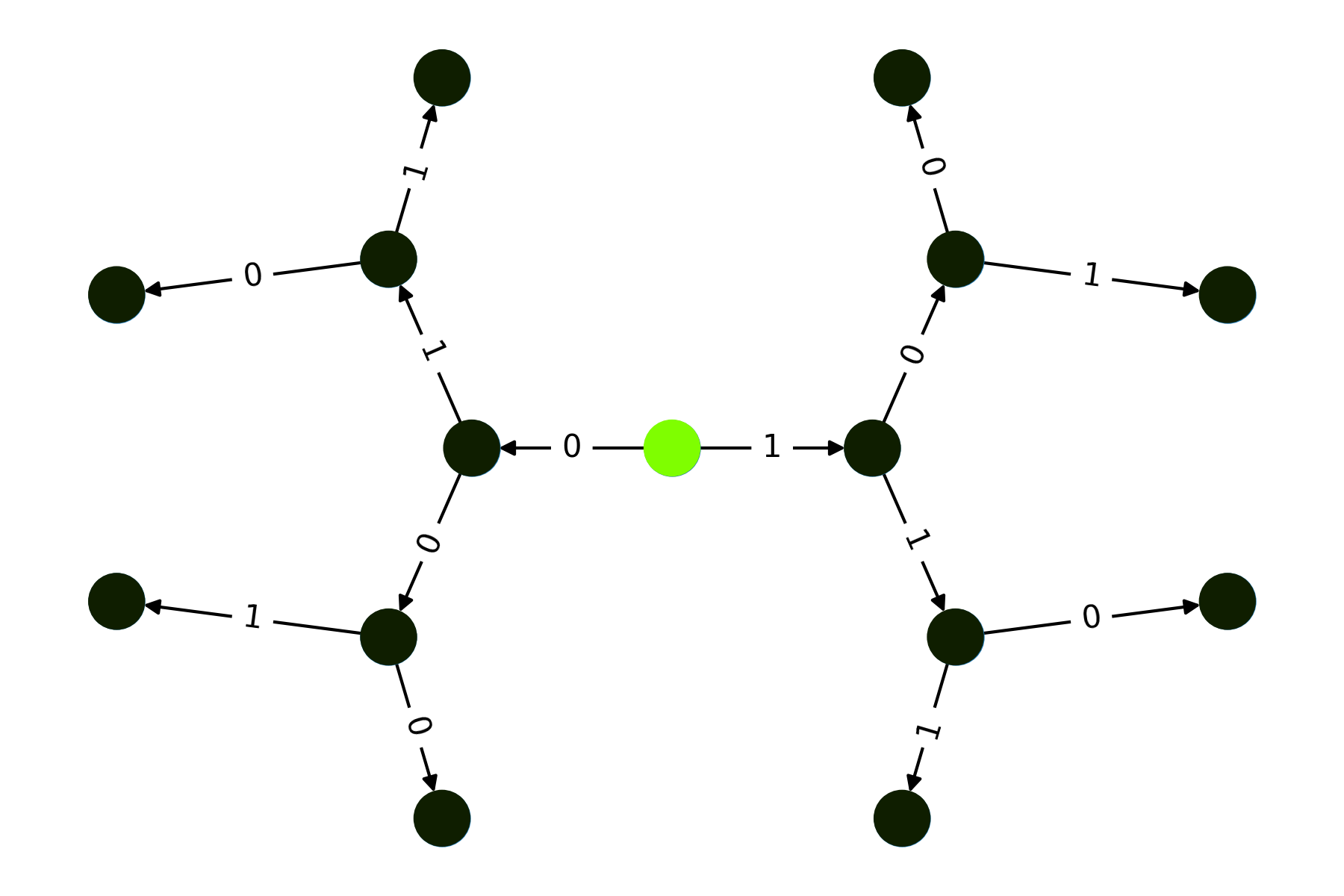
>>> tree = tree.copy()
>>> tree.init_phi([1,1,1])
>>> tree.visualize_statevector()